Is There an Allmenus App?
Yes. Allmenus has an official app for iPhone and iPad, published by Dotmenu (the original parent company of Allmenus, acquired by Grubhub in 2011). The app is free to download.
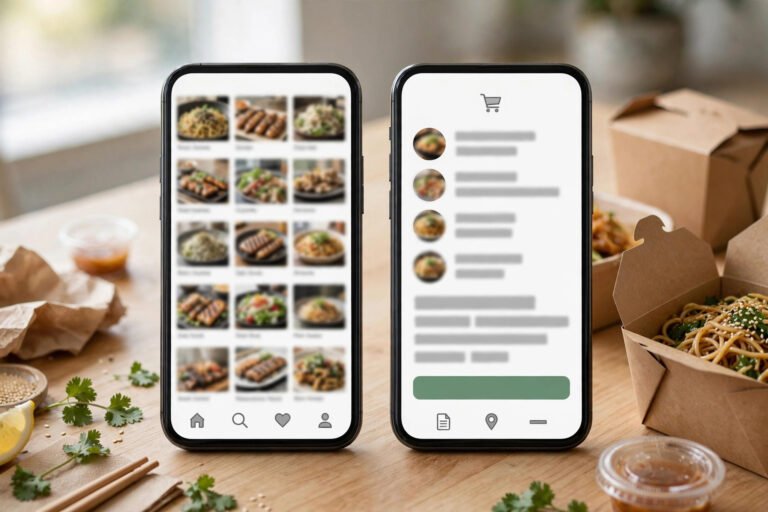
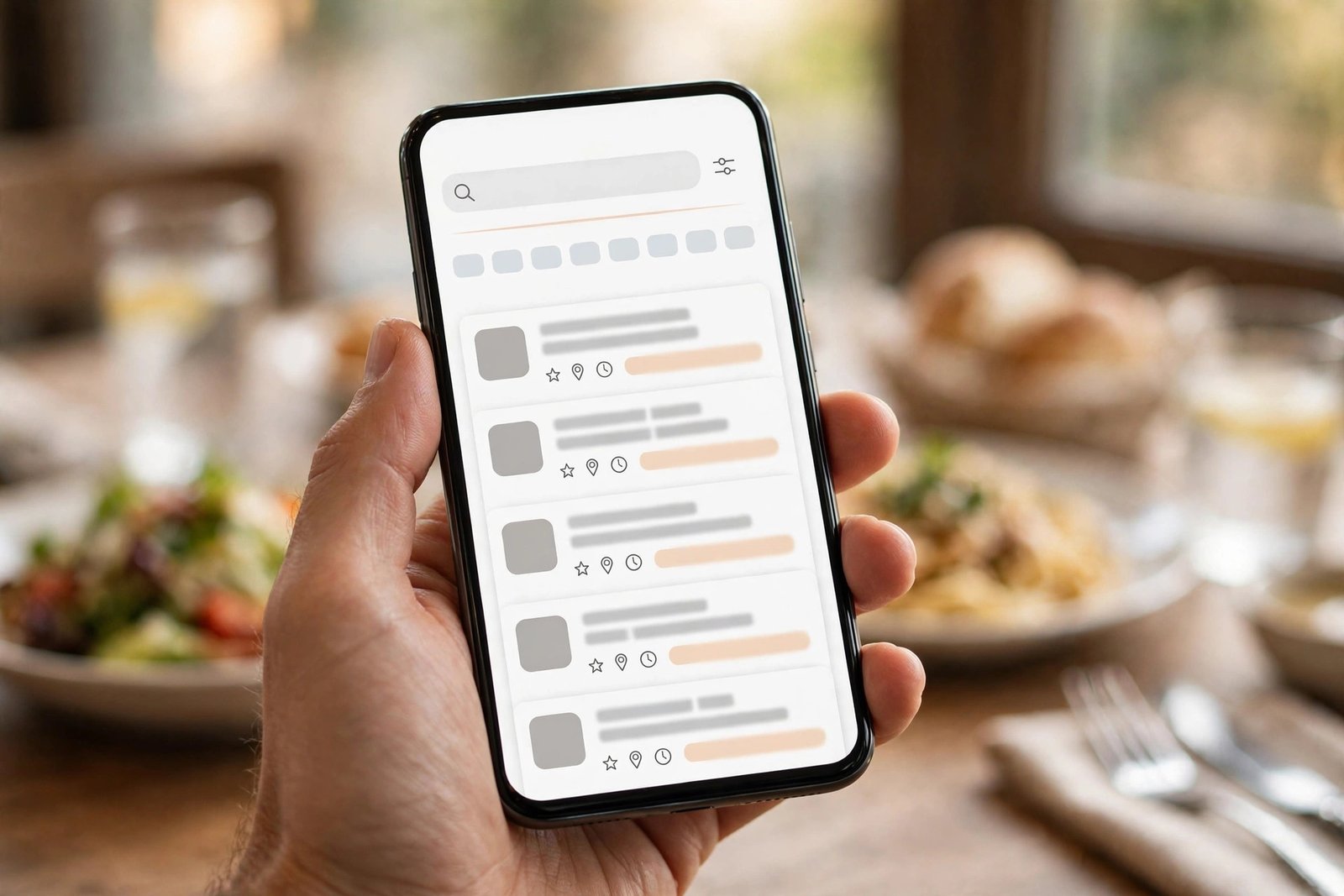
The listing’s stated features are simple and menu-focused: use GPS to find restaurants near you, search by cuisine or restaurant name, and browse what was described at the time as 250,000 menus. The app carries a 4.2-star rating from roughly 4,700+ ratings on the App Store — respectable, but with an important footnote (see below).
For the full background on what Allmenus is and how the site works, see our complete Allmenus guide.
How to Download the Allmenus App on iPhone
- Open the App Store on your iPhone or iPad.
- Search for “Allmenus” — look for the app published by Dotmenu, not similarly named menu apps.
- Tap Get to download and install it (it’s free).
- Allow location access if you want the GPS “near me” search to work.
- Search by restaurant name or cuisine — pick a listing to see the full menu, hours, address, and ratings.
Allmenus App Features
The app’s features reflect what Allmenus has always been: a menu directory first, not a delivery app. Based on the official App Store listing, you get:
- GPS nearby search — find restaurants around your current location.
- Search by cuisine or restaurant name — e.g., “pizza” or a specific restaurant.
- Full menus with prices — browse the same menu listings as allmenus.com.
- Restaurant details — hours, address, phone, and ratings on each listing.
- Ordering handoff — for restaurants that partner with Grubhub or Seamless, ordering routes through those platforms.
What it is not: a full delivery app with live order tracking, driver GPS, or a checkout of its own. For that experience, the Grubhub app is the tool — here’s the full Allmenus vs Grubhub comparison.
The Honest Caveat: The App Is Dated
Here’s what you should know before downloading. The App Store listing shows the app at version 2.0.1, last updated roughly nine years ago. Grubhub’s attention has gone into its flagship Grubhub and Seamless apps, and the standalone Allmenus app appears to be in maintenance mode.
Practically, that means:
- The app may feel dated or have quirks on newer iOS versions.
- Menu data comes from the same Allmenus database as the website — but always double-check prices against the restaurant itself, since directory menus can lag behind real changes.
- If it doesn’t work well on your phone, you’re not missing much — the mobile website does the same job.
Is There an Allmenus App for Android?
As of our October 2026 check, we could not verify a current, Grubhub-published Allmenus app on Google Play. Android users should use allmenus.com in a mobile browser — the site is fully usable on phones — or download the Grubhub app for ordering and delivery.
Do You Even Need the App?
For most people: probably not. The Allmenus website already does everything the app does, works on any device, and is always current. Download the iPhone app only if you want a dedicated icon and offline-ish quick access. If your real goal is ordering dinner tonight, skip both and use Grubhub directly.
Frequently Asked Questions
Is there an Allmenus app?
Yes — a free official app exists for iPhone and iPad, published by Dotmenu. It offers GPS nearby search, cuisine/restaurant search, and full menu listings. We could not verify a current official Android app on Google Play as of October 2026.
Is the Allmenus app free?
Yes. The app is free to download and free to use for browsing menus, the same as the allmenus.com website.
Can you order food through the Allmenus app?
Not directly. Allmenus is a menu directory; for restaurants that also partner with Grubhub or Seamless, ordering is handed off to those platforms. For full delivery with tracking, use the Grubhub app.
Why is the Allmenus app so old?
The App Store listing shows version 2.0.1 with no update in roughly nine years. Grubhub (which has owned Allmenus since 2011) has focused development on its flagship Grubhub and Seamless apps, leaving the standalone Allmenus app essentially unmaintained.
Should I use the app or the website?
The mobile website (allmenus.com) does everything the app does and works on any phone, including Android. Use the app only if you prefer a dedicated iPhone app; use the website otherwise.
The Bottom Line
The Allmenus app is real, free, and fine for browsing menus on iPhone — but it’s an aging app for a website that already works great on mobile. Browse menus on allmenus.com, and when you’re ready to order, switch to Grubhub.