If you’ve ever Googled a restaurant’s menu and landed on a page showing its full menu, hours, address, and reviews all in one place, there’s a good chance you were on Allmenus. It’s one of the oldest and largest online restaurant menu directories in the United States — and it’s completely free to use. Here’s what Allmenus is, how to use it, and when it beats just checking the restaurant’s own website.
Allmenus (allmenus.com) describes itself as the leading online restaurant menu guide, featuring menus for over 415,000 restaurants across the U.S. — everything from pizza and Chinese to sushi and fine dining. The site has been around since 2004 and joined the Grubhub family of brands in 2011, which is why many Allmenus listings also offer online ordering powered by Grubhub or Seamless.

What Is Allmenus?
Allmenus is a menu-first restaurant directory. Unlike review platforms (Yelp) or pure ordering apps (DoorDash), its core product is the menu itself: thousands of restaurant menus, organized by city and cuisine, with prices, hours, maps, and diner reviews attached. Its key facts:
- Scale: over 415,000 restaurant menus listed nationwide — Allmenus claims the largest restaurant count of any US online menu guide.
- Age: operating since 2004, making it one of the oldest menu directories still live on the web (and it remains fully active in 2026).
- Ownership: part of Grubhub’s portfolio of brands since 2011.
- Cost: free for diners. It’s also free for restaurants to list — Allmenus gathers menus from restaurant websites, submissions, and data providers, and restaurants can update their listing at no charge.
- Ordering: not just a directory — restaurants that also partner with Grubhub or Seamless show an Order button right on their Allmenus listing.
How to Use Allmenus: Step by Step
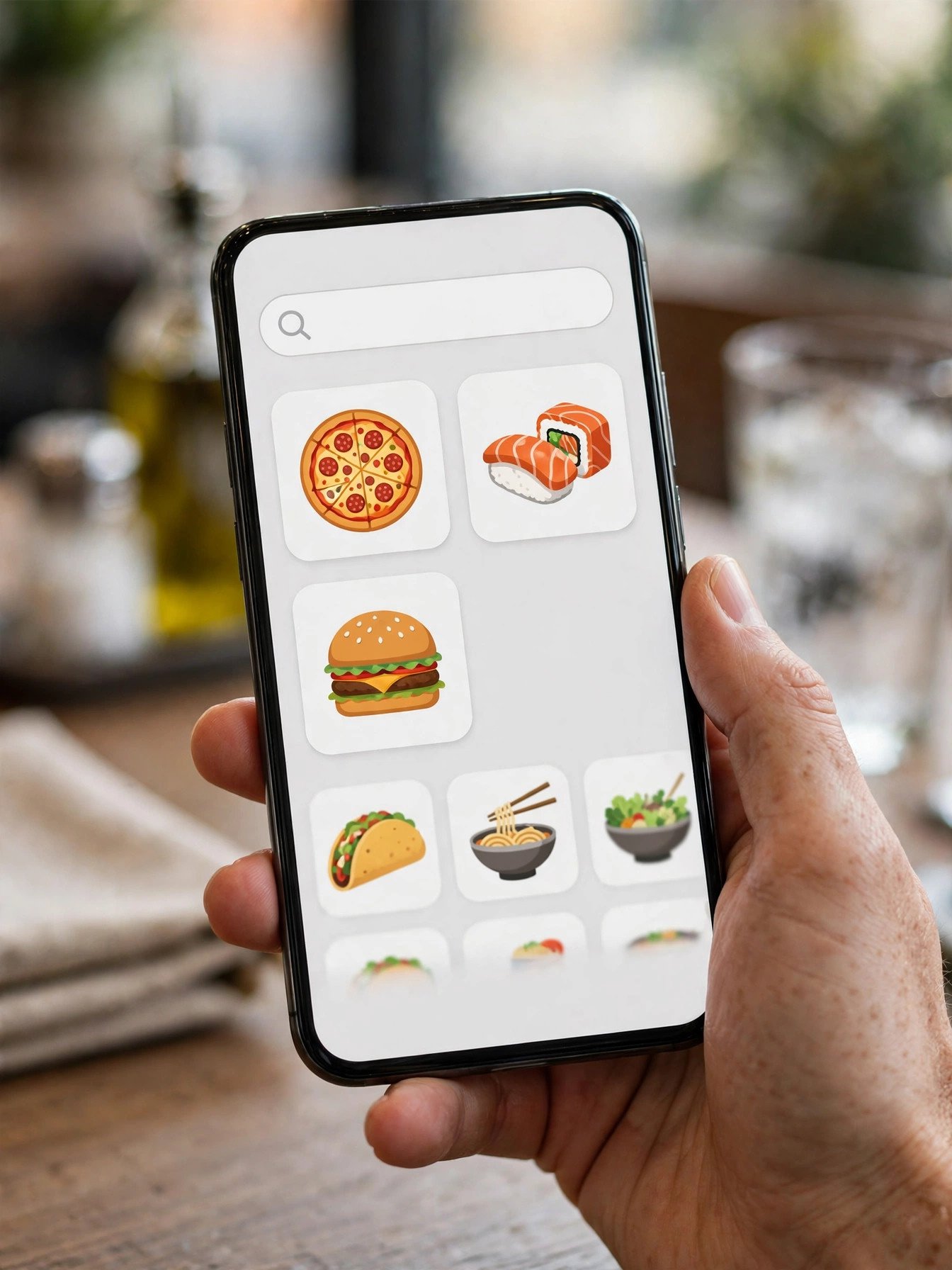
- Go to allmenus.com and enter your city (or ZIP code) plus a cuisine or restaurant name in the search box.
- Browse the results. Listings are organized by cuisine — pizza, Chinese, Italian, sushi, Mexican, and more — with ratings and price indicators.
- Open a restaurant’s page. You’ll see the full menu with prices, hours, address, phone number, map, photos, and diner reviews and ratings in one view.
- Compare before you commit. Because menus for neighboring restaurants sit side by side in the same format, it’s faster to compare prices than opening five restaurant websites.
- Order if available. If the restaurant partners with Grubhub or Seamless, you’ll see a red or blue “Order” button next to the listing. Click it to start your order on Grubhub/Seamless’s checkout — the handoff is seamless (pun intended).
- Or call/visit directly. Every listing shows the phone number and address, so you can skip the apps entirely and order direct if you prefer.
Allmenus vs. Other Menu and Ordering Sites
| Site | Core Strength | Online Ordering |
|---|---|---|
| Allmenus | Huge menu directory (415,000+ restaurants) | Yes — via Grubhub/Seamless for partner restaurants |
| Grubhub | Full checkout + delivery logistics | Yes (native) |
| Zmenu | Menu directory with dish ratings | Limited |
| MenuPages | Menus from coast to coast | Yes |
| SinglePlatform | Menus embedded on restaurant sites | Varies |
Allmenus and Grubhub are sister brands, so think of them as two doors into the same house: Allmenus for browsing and comparing menus; Grubhub for placing the order. Our LongHorn delivery guide walks through the delivery side of the equation if you’d rather order a steakhouse dinner straight to your door.
Is Allmenus Reliable for Menu Prices?
Mostly, with one caveat. Allmenus pulls menus from restaurant websites, direct restaurant submissions, and data providers, and restaurants can request updates through the site’s Restaurant Center at no cost. That makes it broadly current — but menus are not real-time feeds. A price change at your local spot may take a while to appear on Allmenus, just as it does on every other menu aggregator.
The safe habit: use Allmenus to shortlist and compare, then confirm prices on the restaurant’s own site or by phone before ordering — especially for dinner where prices change most often. (We follow the same rule here: our LongHorn menu with prices is refreshed from current menu data, but your local restaurant’s menu is always the final word.)

For Restaurant Owners: Getting Listed on Allmenus
If you run a restaurant and want your menu on Allmenus, the basics from the company’s own FAQ:
- Listing is free. Allmenus lists and maintains menus at no cost to restaurants.
- Corrections are free too. If your menu or info is wrong, you can submit an update request through the Allmenus Restaurant Center — they accept menus by email, fax, mail, or from another online source like your website.
- Ordering integration is optional. Only restaurants that also partner with Grubhub get the Order button; the menu listing itself works fine without it.
That “free listing” model is also why menus sometimes lag behind reality: with 400,000+ restaurants and no listing fees, updates depend on restaurants proactively submitting them. The biggest chains update often; small independents sometimes forget.
Frequently Asked Questions
What is Allmenus?
Allmenus (allmenus.com) is an online restaurant menu guide covering over 415,000 restaurants across the United States. It shows menus with prices, hours, addresses, maps, and diner reviews in one place, and has been operating since 2004. It’s part of Grubhub’s family of brands.
Is Allmenus free to use?
Yes. Browsing menus, comparing prices, and reading reviews on Allmenus is completely free for diners. It’s also free for restaurants to list and update their menus.
Can you order food through Allmenus?
Yes — for restaurants that also partner with Grubhub or Seamless. Those listings show a red or blue “Order” button; clicking it takes you to Grubhub/Seamless’s ordering checkout. Restaurants without a Grubhub partnership show menus only.
Who owns Allmenus?
Allmenus joined the Grubhub portfolio of brands in 2011. Grubhub is the nation’s leading online and mobile food ordering company, and Allmenus listings tie into its ordering platform for partner restaurants.
Is Allmenus the same as Grubhub?
They’re sister brands under the same company. Allmenus is menu-first (a directory built for browsing and comparing menus), while Grubhub is order-first (a full checkout and delivery platform). Clicking “Order” on Allmenus hands you off to Grubhub or Seamless.
How does Allmenus get restaurant menus?
From a mix of sources: restaurant websites, direct restaurant submissions, and data providers. Restaurants can also submit updates or corrections through the Allmenus Restaurant Center by email, fax, mail, or another online source.
Are menu prices on Allmenus accurate?
Usually, but not always real-time. Allmenus updates menus from its sources and restaurant submissions, but a restaurant’s price change may take time to appear. Always confirm prices on the restaurant’s own website or by phone before ordering.
How many restaurants are on Allmenus?
Allmenus reports over 415,000 restaurant menus across the United States, which it describes as the largest number of restaurants of any US online menu guide.
What are good alternatives to Allmenus?
Zmenu, MenuPages, and SinglePlatform are the closest menu-directory alternatives. For actual ordering with delivery tracking, Grubhub, DoorDash, and Uber Eats are the main platforms.
Does Allmenus work for all cities?
It covers restaurants across the United States, from major metros to smaller towns. Coverage depth varies — big cities have near-complete coverage, while some smaller towns have thinner listings.
The Bottom Line
Allmenus is exactly what it says: the web’s biggest menu guide — 415,000+ US restaurants, free, running since 2004, and wired into Grubhub/Seamless for ordering where available. It’s the fastest way to compare menus side by side before you pick up the phone or tap Order. Just treat prices as “current-ish” rather than gospel, and confirm before you commit.
Related: LongHorn Steakhouse Delivery Near Me · LongHorn Near Me: Phone, Reservations & Waitlist · LongHorn Steakhouse Menu With Prices (2026)